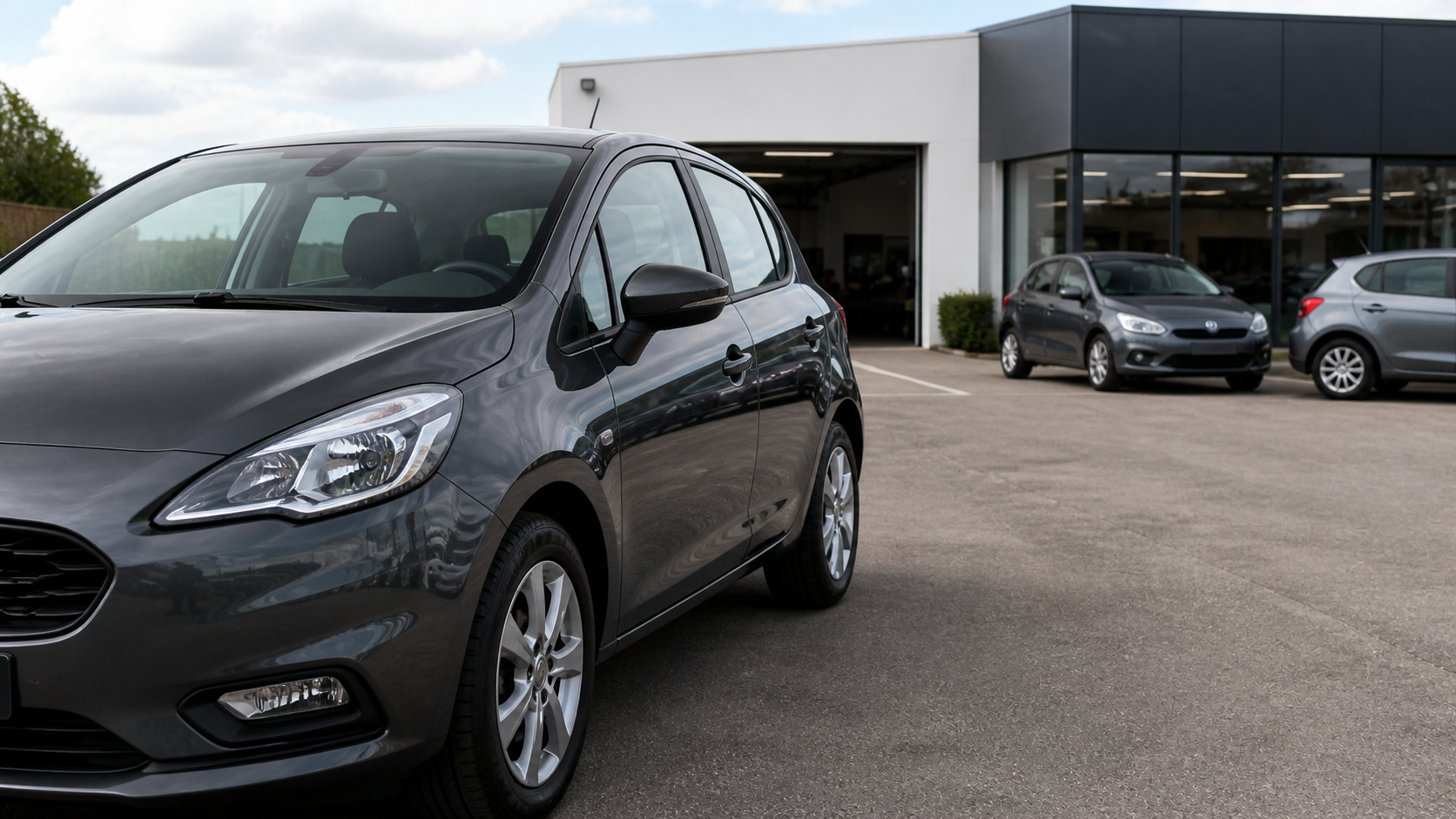
Illustrative example
5-door city car
Petrol · Manual transmission
 View listingScan with your phone
View listingScan with your phone
 Demo profile
GD
Garage du ParcSales · Servicing · Part exchange
CallDirectionsContact
View our vehicles
Discover our services
Check the schedule
Book an appointment
Opens the tool used by the garage
Every vehicle keeps selling, even when you are busy.
Present your listings, services and appointment booking behind QR Codes that remain useful, from windscreen to counter.
One QR per vehicleTo the corresponding listing
Editable destinationWithout reprinting the QR Code
No app neededFor your visitors
One listing per vehicleWith a custom link QR Code
Your services togetherSales, servicing, part exchange and services
Your schedule accessibleA link to your existing tool
Scans countedFor each custom QR Code
Trust also matters after the scan.
See the rating and reviews on the official Wisikard profile.
A QR Code dedicated to the vehicle listing.
The Custom link QR Code feature lets you associate a QR Code with a custom link: a detailed page on your website, a platform listing, an introduction video or a contact form.
The QR Code uses a stable Wisikard address. You can therefore change its destination from your customer area without replacing the label already on the vehicle.
- Create a named link for the vehicle
- Generate and download its QR Code
- Place it behind the windscreen or on the price sheet
- View the number of recorded scans

Custom linkDemo example
Graphite city car — listing
https://garage-exemple.fr/vehicules/citadineEdit
Tracked QR CodeThe destination remains editable.Illustrative example — no real data

The relationship stays personal.Wisikard makes the right information easy to access before and after the conversation.
Clearly present everything your garage does.
Your business is more than a phone number. A Wisikard can direct each customer to the service that meets their needs.
Your schedule is one scan away for customers.
Add a link to your booking solution, form or public calendar. Customers choose the right time from their phone, without searching for your website or retyping an address.
Good to know: Wisikard does not replace your booking software. It provides direct access to the tool you already use.
AvailabilityWeek of 7 September
Mon.07Tue.08Wed.09Thu.10Fri.11
ServicingDiagnosticsTyres
Continue to the booking tool
Visual demonstration — availability comes from your tool.
The right QR Code in the right place.
Your Wisikard and custom links complement the materials already used in your business.
On vehicles
Link each windscreen sheet directly to the corresponding listing.
At the counter
Present your profile, services and useful actions when welcoming customers.
On your documents
Add access to your reviews, advice or appointment booking.
In your communications
Include your profile in emails, quotes, messages and signatures.
From a noticed vehicle to a saved contact.
The process is immediate for visitors and remains under the professional's control.
- The vehicle catches attention
The QR Code is visible on the price sheet, windscreen or nearby display.
- The visitor scans
They access the listing or selected content without installing an app.
- They discover the professional
Your Wisikard brings your services, contact details and useful links together.
- They take action
They call, save your contact details or open your booking tool.
A solution for independent automotive professionals.
Build your profile and QR Codes around your business, materials and current tools.
Multi-brand garagesUsed car dealersCar brokersIndependent automotive centresBody repair specialistsTyre specialistsVehicle preparation specialistsAutomotive sales representatives
Your automotive presence, ready to scan.
Create your Wisikard, present your business and generate QR Codes for your garage's important links.
Your entire customer journey in one place.Enable useful access points for your automotive business.
- Customisable professional profile
- Custom links and dedicated QR Codes
- Editable destination and scan counts
- Gallery, videos and PDF documents
- View analytics
- Physical Kard available as an option in the app
Questions from automotive professionals.
Practical answers before you place your first QR Code.
Can I create a different QR Code for each vehicle?
Yes. From your custom links, you can generate a QR Code dedicated to a vehicle listing or online details page, then download it to add to the vehicle's display.
What happens to the QR Code when the vehicle is sold?
You can change the custom link's address without reprinting the QR Code. It can then redirect to a new listing, a page of available vehicles or any other useful destination.
Are scans of custom QR Codes counted?
Yes. Each visit through a custom link QR Code is counted before the visitor is redirected to the address you saved.
Does Wisikard replace my booking or stock software?
No. Wisikard centralises your presentation and creates connections to the tools you already use: booking software, vehicle catalogue, part-exchange form or website.
Can I present all my garage's services?
Yes. You can add links to your services, a gallery, videos, PDF documents and pages dedicated to servicing, diagnostics, tyres, sales or part exchange.
Does the visitor need to install an app?
No. They scan the QR Code with their phone camera. The chosen profile or link opens directly in their browser.
A vehicle catches the eye.
Your QR Code opens what comes next.
Connect your vehicles, services and contact tools to an always accessible professional presence.