An always up-to-date digital menu, accessible with a single QR Code.

PDF menu, wine list, drinks, ice creams, daily specials, bookings or delivery: bring everything your customers need together in a Wisikard designed for your establishment.

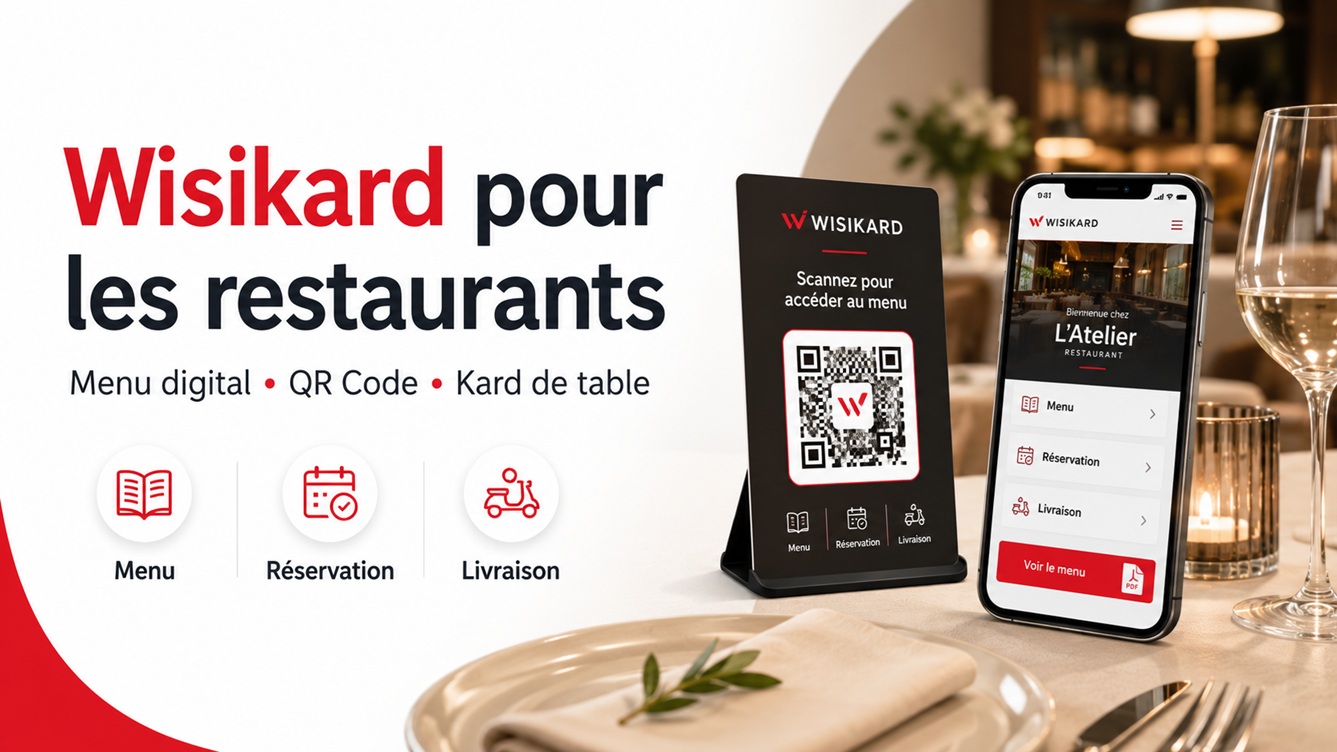
Wisikard for restaurants with digital menu, QR Code and table display
A unique QR CodeThe display stays the same
PDF or CanvaChoose your method
No app neededOne scan is enough
Always up to dateEdit your content at any time

Your menu changes. Your QR Code stays in place.

Removing a dish, changing a price, adding a seasonal set menu or adjusting opening hours should not mean replacing all your materials.

With Wisikard, QR Codes on tables, windows, flyers or packaging always point to the same page. You only edit the information and menus behind that access point.

From scan to the right menu in seconds.

The QR Code is visible

On the table, counter or window, the access point is immediately recognisable.

Content is organised

Daily specials, drinks, desserts and bookings remain clearly separated.

The menu opens directly

Content appears in the customer's browser, with no app to install.

All your restaurant's useful actions in one place.

A Wisikard can become your central communication point, both at the table and before customers visit.

Call the restaurant Check opening hours Open directions Book a table Order online Access delivery View Instagram or Facebook Leave a Google review
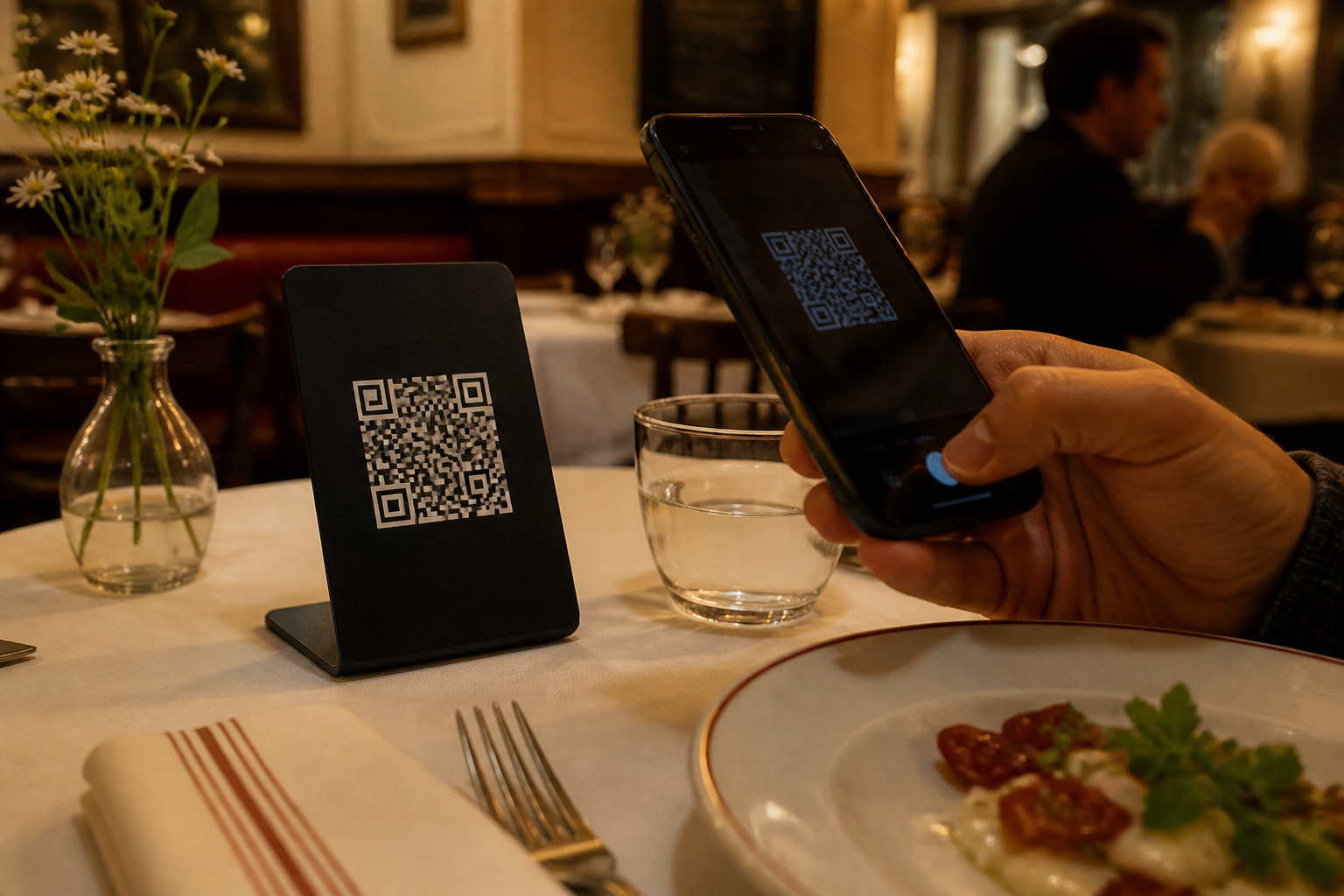
Customer scanning a QR Code display on a restaurant table
A familiar scene for your customers

The right display, when it is time to choose.

Download your QR Code to add to your table stands, menus or stickers. A customised physical Kard is also available as an option in the app.

Your restaurant Wisikard, ready to share.

Create your page, add your menus and, if you wish, order a physical Kard from the app.

  • PDF menus and Canva links
  • Custom links to organise all your menus
  • Customisable QR Code
  • Gallery, contact details and social media
  • View analytics
  • Physical Kard available as an option in the app
Create my restaurant Wisikard

What restaurant owners want to know.

Need a more detailed example? Also read our Wisikard guide for restaurants.

Do my customers need to install an app?

No. They scan the QR Code with their phone camera and access your Wisikard directly in their browser.

Can I replace my PDF menu without changing the QR Code?

Yes. The QR Code leads to your Wisikard. You can therefore replace the document or edit its link while keeping the displays already in your restaurant.

How do menus created in Canva work?

You share each Canva document's public link as a Wisikard custom link. As long as the link remains active, changes saved in the same document are visible to your customers.

Can I create several buttons for my different menus?

Yes. You can clearly separate daily specials, the main menu, wines, drinks, cocktails, desserts, ice creams or any other offer.

Where can I place the QR Code?

On tables, the counter, windows, paper menus, flyers, takeaway packaging or a customised physical Kard.

Can I also add bookings and delivery?

Yes. You can add links to your booking system, ordering website or the delivery platforms you use.
One scan to find the right menu.

Set up your Wisikard, keep your content up to date and simplify access to your restaurant's information.