Before booking
People compare treatments, look at photos of the location, and read reviews.
Present your treatment menu, the atmosphere of your salon, your reviews, and your appointment booking system on a clear page accessible via a QR code in the storefront window, at the front desk, or in the treatment room.
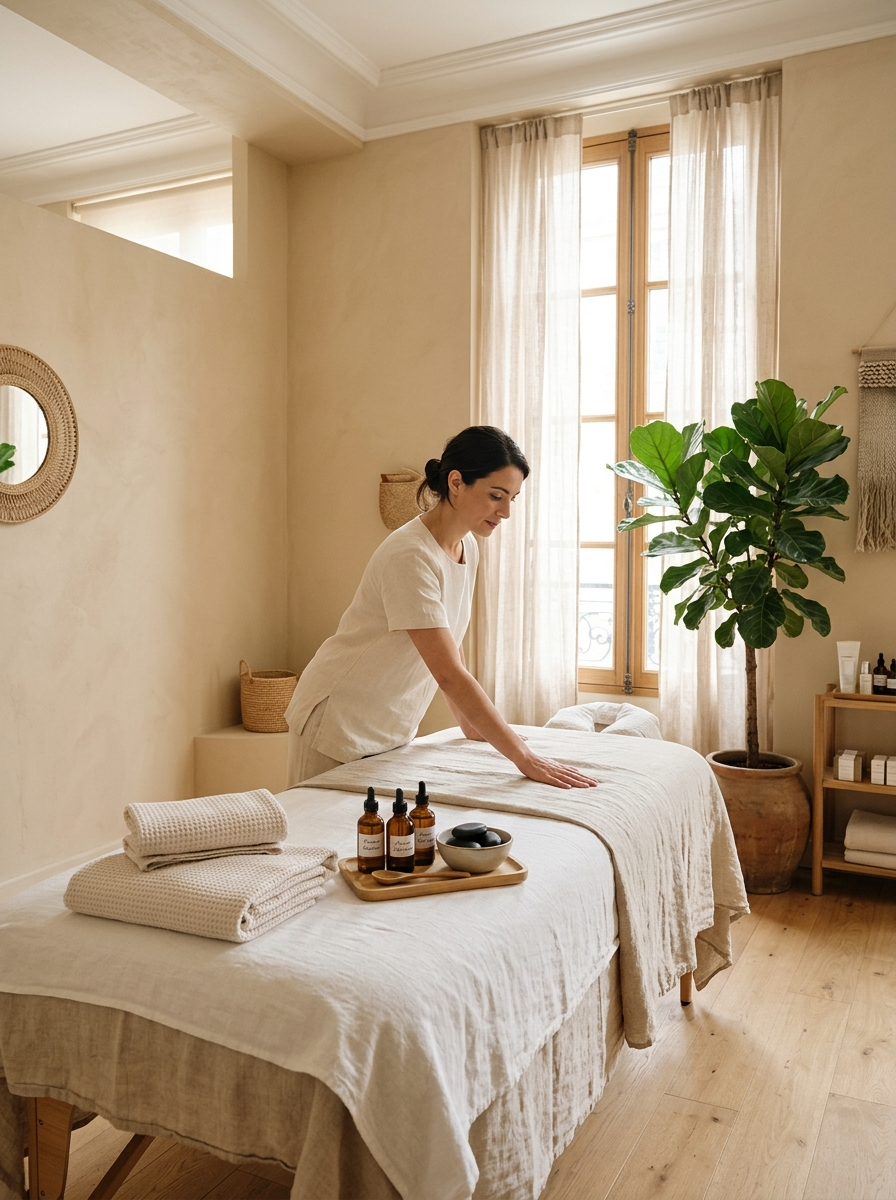
 Demo profile
See the rating and reviews on the official Wisikard profile.
Whether before booking, at the front desk, or after the treatment: every moment is an opportunity to reassure clients and encourage them to return.
People compare treatments, look at photos of the location, and read reviews.
The treatment menu, seasonal specials, or gift certificates are just a scan away.
A link to leave a review, access your advice, or book your next appointment.
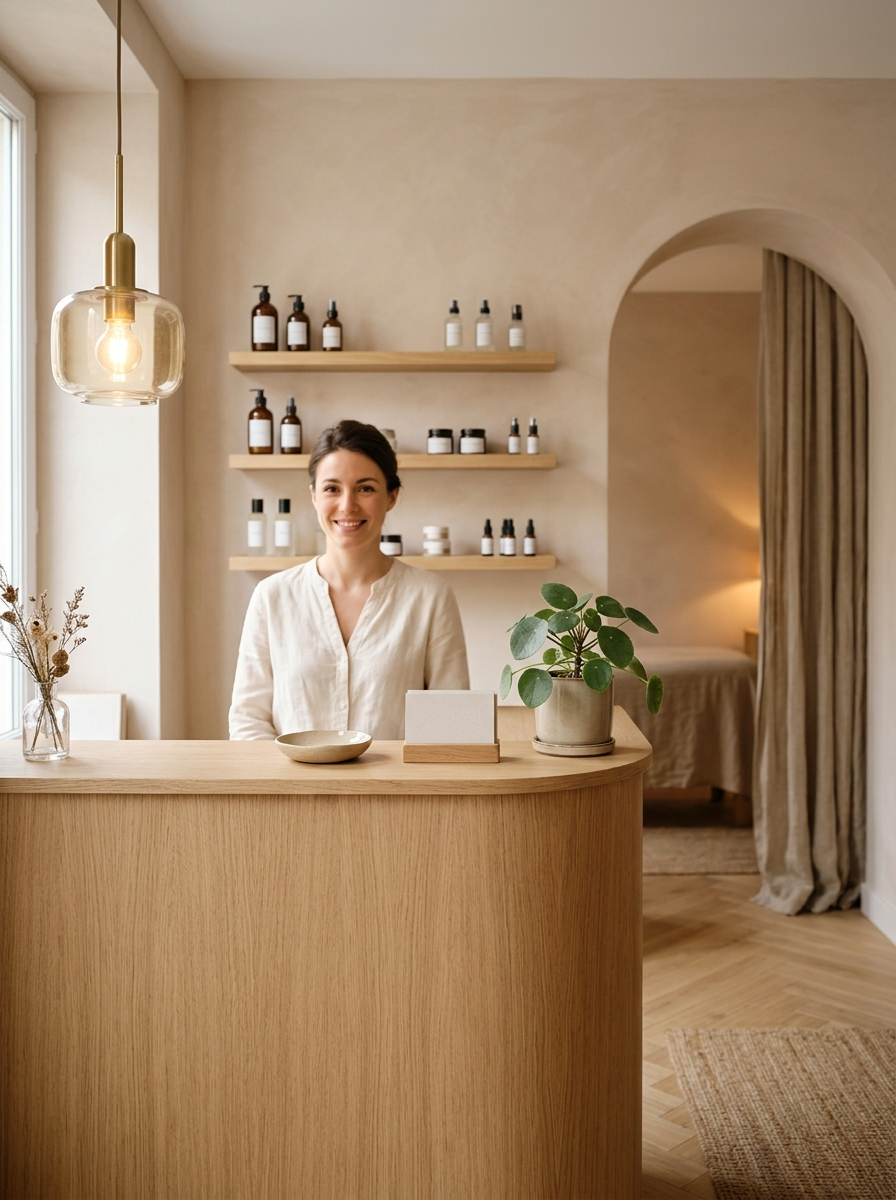
Soft lighting, treatment rooms, products: showcase the atmosphere that reflects your brand with a photo gallery and a promotional video.
Also provide reassurance on key details: access, hours, parking, and instructions before and after the treatment. You can update this information at any time without changing the QR code.
Present each service along with its duration, procedure, and precautions, either as a PDF or via links. This helps the client understand what to expect before arriving, and you avoid having to reprint materials every time a new service is added.
With personalized links, associate a QR code with your gift certificate, seasonal offer, or pre-session form. You can update the destination when the offer changes and track the number of scans.
Add a link to your booking tool, form, or public calendar. Customers can choose their treatment and time slot from their phone, without having to search for the salon or call during their appointments.
Good to know: Wisikard does not replace your booking software. It creates a direct link to the tool you already use.
Download your QR Code and add it to the materials you already use. Every medium leads to the same presentation, which you can always edit.
Passersby can learn about your treatments, your hours, and how to book an appointment.
Present the treatment menu and current special offers during the welcome.
Provide access to instructions, post-treatment advice, and the next appointment booking.
A QR code linking to your special offers, gift certificates, or online store.
Include your profile in your emails, confirmations, and bios.
Hand out your QR code in person or at an event.
An independent esthetician manages her business through a Kard. A beauty salon can set up a Kard for each team member: each one presents her specialties and contact information under a shared brand image.
Are you a wellness massage practitioner? Your Kard highlights your approach, your sessions, and your schedule.
Illustrative example. Each profile can be edited from the customer portal.
The process remains simple: no account to create and no app to install.
In the store window, at the reception desk, or through a recommendation.
Their phone camera opens your Wisikard directly.
They review your treatment menu, photos of the location, and your reviews.
They book an appointment or give a gift certificate.
Whether you run a beauty salon, spa, or independent practice: tailor your profile to reflect your treatments, equipment, and tools.
Create your Wisikard, showcase your treatments, and link your gift certificates and appointment booking system.
Practical answers before you place your first QR Code.
No. They scan the QR code with their phone’s camera, and your profile opens directly in their browser.
Yes. You can add a PDF document or links to your services, prices, and terms and conditions. You can edit these at any time from your account without changing the QR code that has already been printed.
Yes. Using your personalized links, you can generate a QR code for a special offer, a gift certificate, or a form. You can change the link’s destination without reprinting the QR code, and scans are tracked.
No. Wisikard centralizes your online presence and provides direct access to the tools you already use: online scheduling, forms, messaging, or phone number.
Yes. You can manage your employees’ profiles from your dashboard. Each profile lists their specialties and contact information, with a consistent presentation across the salon.
Yes. You can add photos and a video of the location, your hours, directions, pre-treatment instructions, and a link to your Google reviews.
Link your treatments, your atmosphere, and your appointments to a professional presence that is always accessible.